Dual parallel resonant EQ-like filters with slewed slots, clocked stepping, stereo motion, and harmonic edge.
FilterAU/VST3Mac/Win
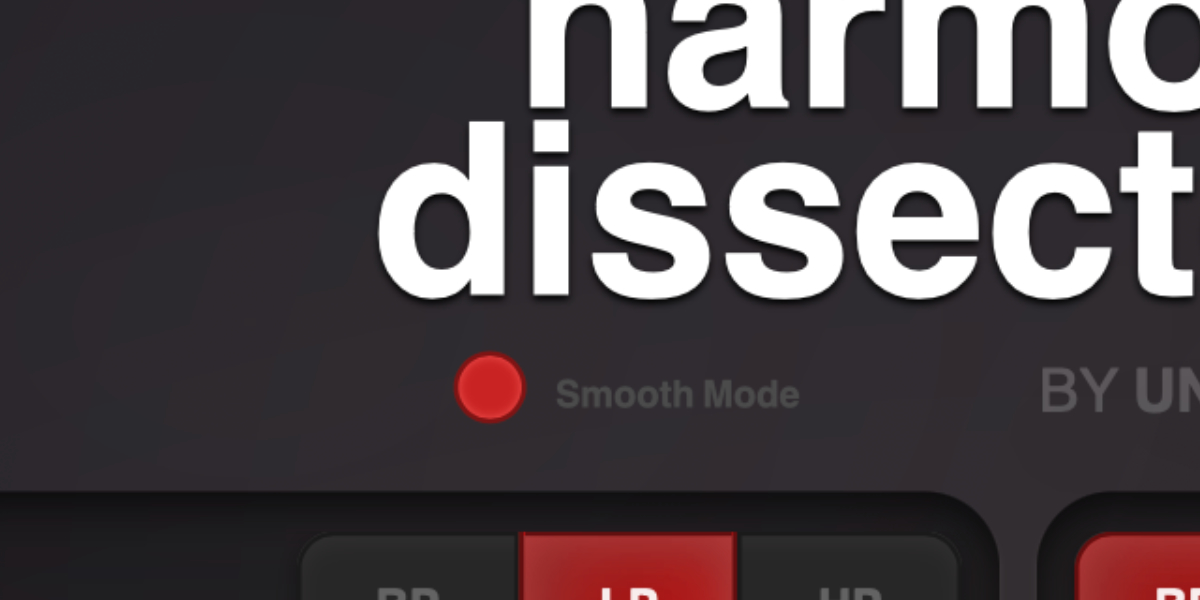
New Smooth Mode
Added an alternate, softer processing mode.
Uses a smoother asymmetric drive algorithm with less high-frequency bite.
Applies the new drive processing to the input and both filter sections.
Adds drive-dependent high-frequency damping and DC filtering.
Prevents the normal post-filter saturation from stacking with the new drive stages.
Optimized Smooth Mode processing to prevent audio jitter and dropouts at low buffer sizes.
Existing presets default to Smooth Mode off.
Slot Sequencer
Parameters held during sequencing now overwrite every slot passed during the gesture without jumping at slot changes.
Added Cmd/Ctrl+click slot preview, which pauses sequencing and auditions the selected slot without slew.
Added Shift+drag for moving matching parameters across both filter sections together.
Fixed slot controls showing stale values when clocking is off.
Shortcuts And History
Added slot copy and paste with Cmd/Ctrl+C and Cmd/Ctrl+V.
Added multi-step undo with Cmd/Ctrl+Z.
Added redo with Cmd/Ctrl+Shift+Z.
Interface Stability
Prevented host updates from redrawing controls while they are being manipulated.
Improved parameter gesture handling during slot sequencing.
Reduced unnecessary WebView updates during sequencer animation.
Fixed occasional control jumps and interrupted gestures while the sequencer is running.
Improved synchronization between the DSP slot state and the interface.
What it is
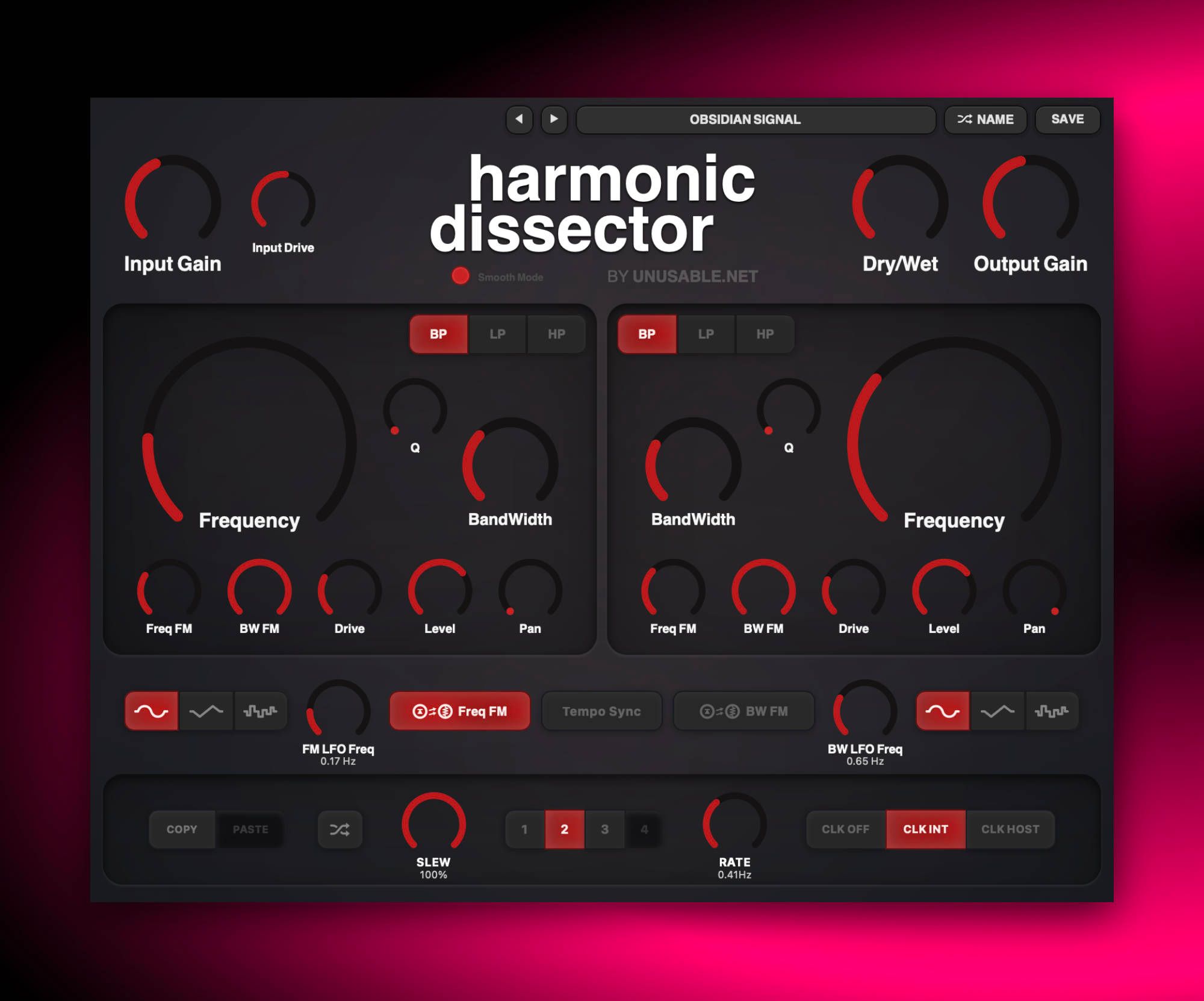
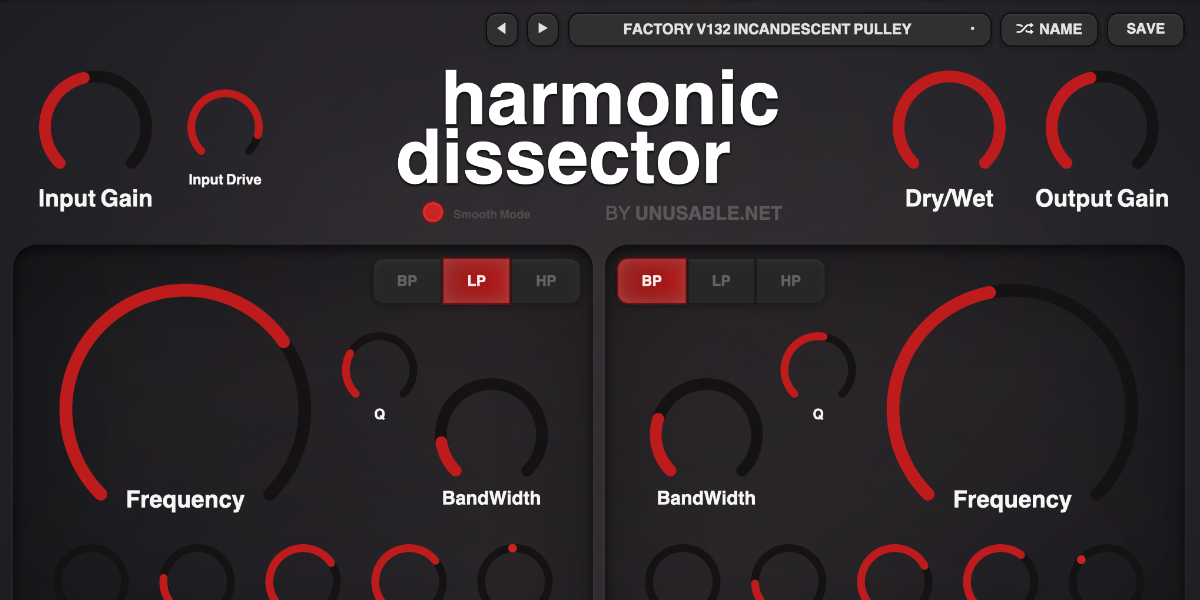
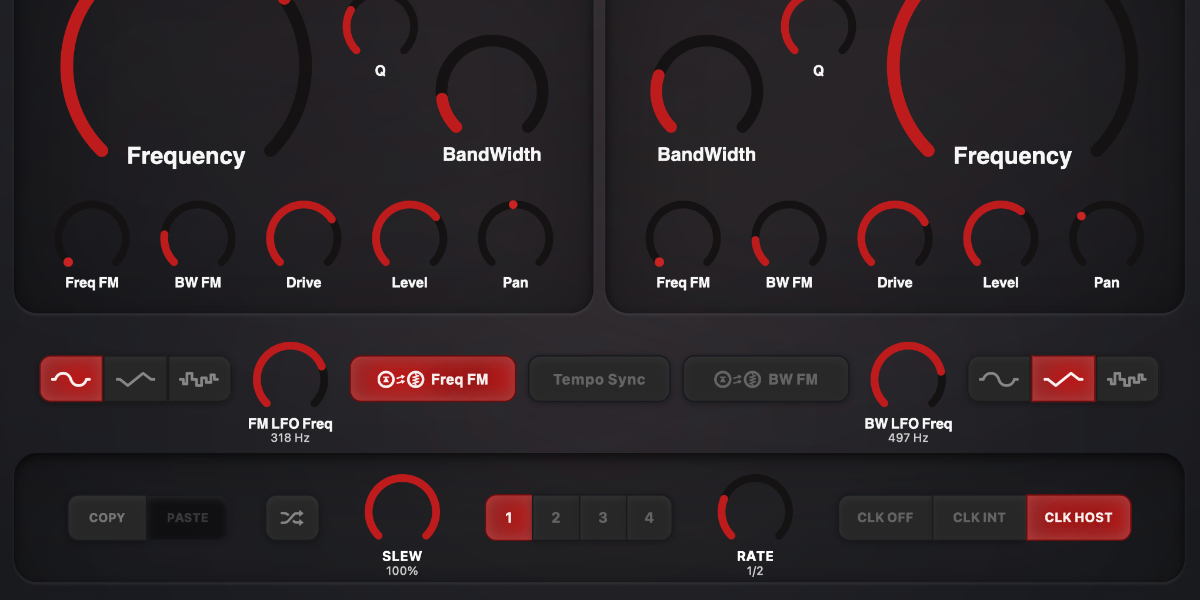
Harmonic Dissector is a dual-section, parallel EQ-like resonant filter effect for controllable harmonic shaping and movement. Each section has independent frequency, resonance behavior, drive, level, modulation, and pan, and the slot system lets those settings move between four stored states.
The two filter sections run in parallel, so each side can follow its own frequency, bandwidth, drive, level, and pan shape. The four slots can be randomized, copied, pasted, slewed, stepped by internal clock, or stepped by host sync, which turns the plugin into a compact motion tool as much as a filter.
Use it for resonant stereo movement, tremolo and auto-pan shapes, stepping or sweeping filter patterns, narrow-band character on synths and bass, and more animated distortion when the LFOs are pushed into audio-rate territory.
Highlights
Dual parallel resonant lanes
Build two independent spectral motion paths with dedicated frequency, bandwidth, drive, level, and pan controls.
Four slewed slots
Store four states and move between them with slew, internal clock, or host sync.
Randomize, copy, and refine
Randomize section settings, copy and paste slots, then narrow in on useful motion without rebuilding the patch.
Full walkthrough
A quick 2-minute walkthrough of Harmonic Dissector covering its functionality, the philosophy behind it, and showing it on various sound sources.
Sound examples using the Harmonic Dissector v1.2.0 slot sequencer update.
Slot sequencer
Harmonic Dissector is one of the effects where the slot sequencer quickly becomes part of the instrument rather than an extra feature. Different slots can hold different filter offsets, drive amounts, widths, and pan positions, so the plugin can jump or glide between several resonant attitudes while the source stays put.
That makes it easy to build evolving filter motion without overcomplicating the interface. It also works well together with ordinary DAW automation, especially when the slot changes handle the broader spectral movement and the DAW takes care of faster modulation depth or timing changes.
Harmonic Dissector splits the input into two parallel resonant filter sections and recombines them as a stereo output. This guide covers the signal path, filter controls, LFO modulation, four stored slots, clocked movement, Smooth Mode, presets, and editing gestures.
01
Signal path and output
Input gain and drive feed two parallel filter sections. Their independently filtered, driven, levelled, and panned signals are summed before the final Dry/Wet and output controls.
Input Gain sets the level entering both filter sections.
Input Drive adds saturation before the signal reaches the parallel filters.
Dry/Wet crossfades between the original input and the combined filter output.
Output Gain sets the final plug-in level.
Input Gain, Dry/Wet, and Output Gain are shared controls. They are not stored in the four slots or changed by slot randomization and slew.
02
Parallel filter sections
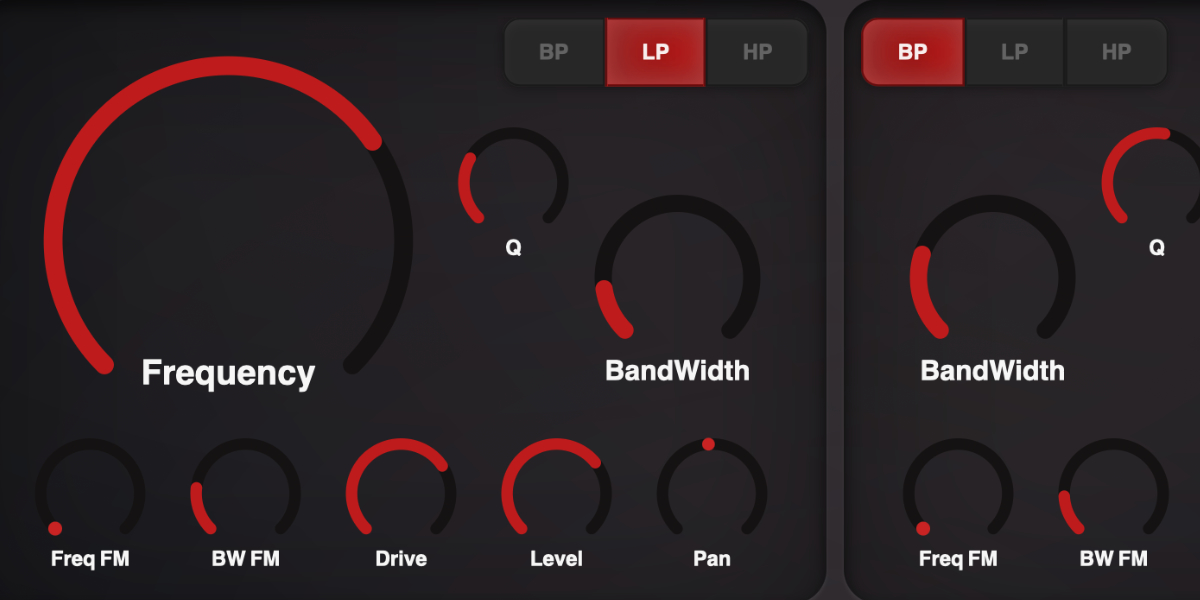
The two sections process the same input in parallel. Each can occupy a different spectral range, resonance shape, level, and stereo position, so the pair can behave as one broad filter or as two contrasting resonant voices.
BP / LP / HP selects band-pass, low-pass, or high-pass response independently for each section.
Frequency sets the filter cutoff or center frequency.
Q sets resonant emphasis around the selected frequency.
BandWidth sets the width of the resonant response.
Drive adds saturation within that filter section.
Level sets the section's contribution to the combined output.
Pan places the section from left through center to right.
The LP/BP/HP choices are deliberately excluded from slot storage, randomization, and slew.
Shift-drag a section control
Move the matching control in both filter sections by the same relative amount while preserving their offset as far as the limits allow.
Drag while slots advance
Write that held filter parameter into every slot passed during the gesture without interrupting other morph lanes.
03
Frequency and bandwidth LFOs
Two shared modulators animate both filter sections. One modulates frequency and the other modulates bandwidth, with independent depths for each section.
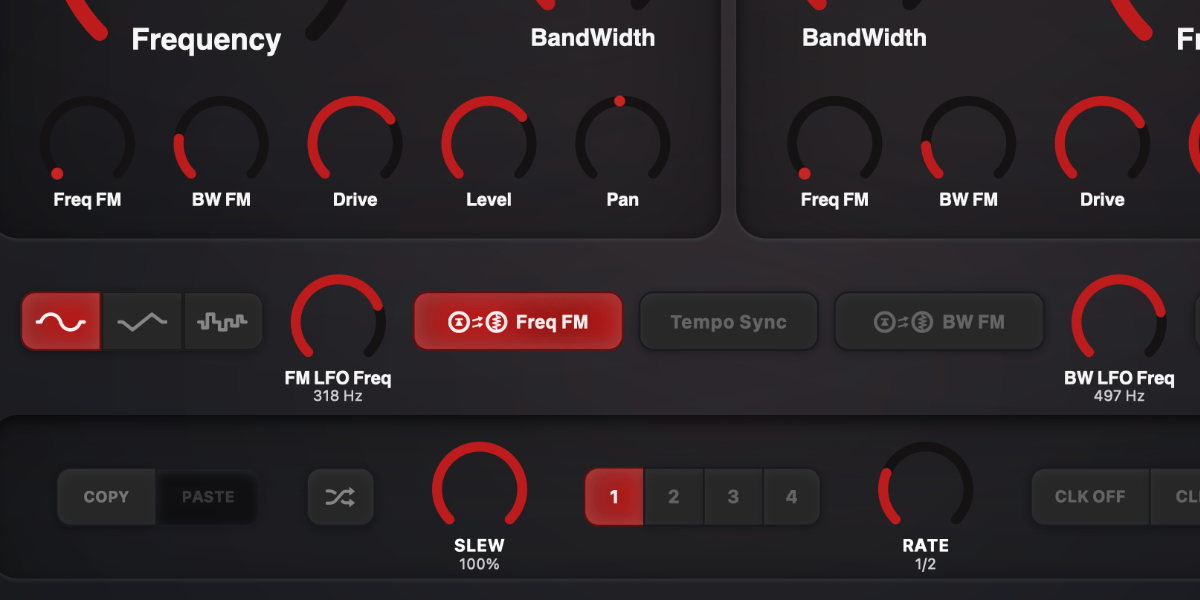
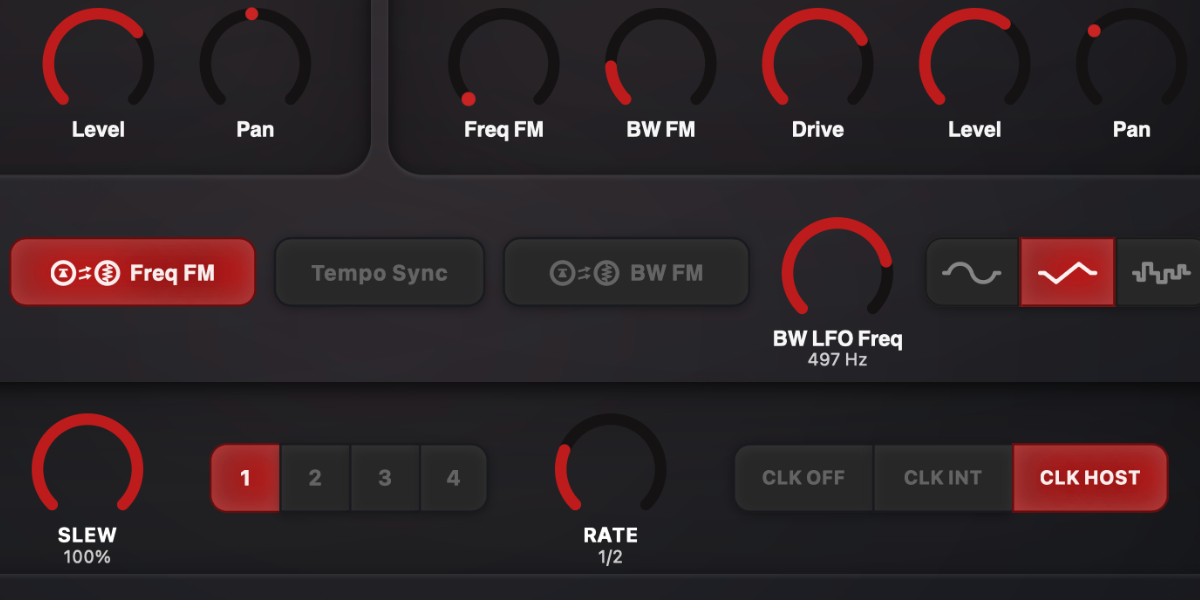
Sine / Triangle / S&H selects the waveform independently for frequency and bandwidth modulation.
Freq FM sets frequency-modulation depth for the corresponding filter section.
BW FM sets bandwidth-modulation depth for the corresponding filter section.
FM LFO Freq / BW LFO Freq sets each modulator's free-running rate. The value is shown beneath the knob.
Tempo Sync changes both LFO rate displays and controls to musical divisions synchronized to the host.
The LFO rates, waveforms, sync state, and modulation depths are independent of the four-slot system.
04
Slots, randomization, copy, and paste
Four slots store separate values for both filter sections. Selecting a slot recalls its state for editing; randomization, copy, and paste make it quick to build related movements.
1-4 selects a slot and shows its stored filter values.
Copy / Paste copies or pastes the complete two-section state of the selected slot.
Random randomizes the stored parameters for both filter sections without changing shared input/output controls, Dry/Wet, LFO controls, or filter modes.
Editing a filter parameter updates the selected slot. While sequencing, a held edit overwrites that parameter in every incoming slot until the gesture ends.
Shift-click or double-click slot
Enable or disable that slot for sequencing.
Cmd/Ctrl-click slot
Preview the slot immediately, bypass sequencing and slew, and show a white inset outline.
Cmd/Ctrl+C / Cmd/Ctrl+V
Copy or paste the selected slot.
Cmd/Ctrl+Z
Undo the previous edit gesture.
Cmd/Ctrl+Shift+Z
Redo an undone gesture unless a new edit has cleared redo history.
05
Slot sequencer
The sequencer advances through enabled slots in order and interpolates every stored filter parameter independently. Clock source, Rate, and Slew determine when targets change and how they are reached.
CLK OFF stops automatic stepping. Slots remain available for manual selection.
CLK INT runs continuously from the internal Rate control.
CLK HOST follows the DAW transport and changes Rate to a musical division.
Rate sets internal speed in Hz or host division, depending on clock mode.
Slew sets interpolation time. In clocked modes it is a percentage of the current step duration, reaching the target within that step.
Host sequencing resets when playback starts from the beginning and follows loop boundaries without adding an extra reset at the loop point.
Dragging a filter parameter temporarily takes control of only that parameter; unrelated values continue their existing slew.
06
Smooth Mode
Smooth Mode changes the drive character while retaining the same filter layout and control ranges. It is useful when the standard drive has more edge than the source needs.
Smooth Mode switches Input Drive and both section Drive controls to the smoother drive algorithm.
The existing Drive controls remain in the same positions and continue to set the amount of processing.
Older presets load with Smooth Mode off, preserving their original drive behavior.
07
Presets and control shortcuts
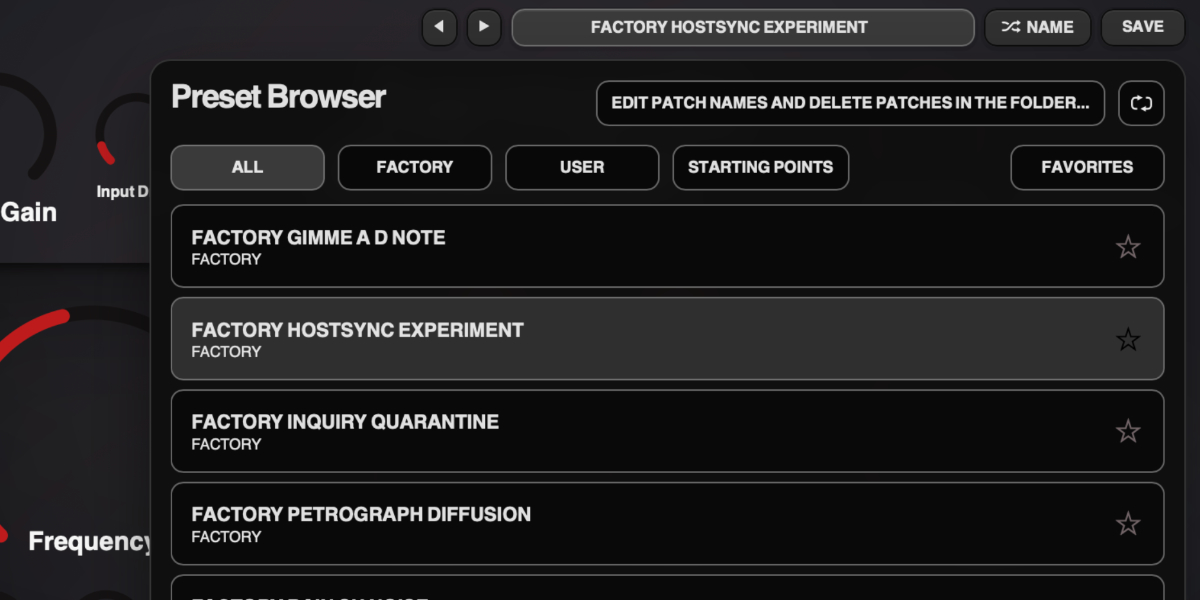
The preset name opens the browser. Presets store the complete plug-in state, including all four slot states and sequencer settings.
Preset arrows step through available presets and wrap between the first and last entries.
Preset name opens the preset browser.
Name generates a preset name.
Save writes the complete state. Saving without first generating a name creates one automatically.
Factory / User / Starting Points / Favorites filter the preset browser.
Versioned Save writes a numbered copy when the current preset has changed.
Folder opens the preset directory for external renaming or deletion.
Refresh reloads externally renamed or deleted preset files.
Double-click control
Reset it to the initial value.
Cmd/Ctrl-click or Option/Alt-click control
Reset it to the initial value.
Wheel over control
Adjust without dragging.
Option/Alt-wheel
Fine adjustment.
Shift-wheel
Coarse adjustment.
Recommended for
Tremolo and auto-pan movement from level and pan slots
Stepped or sweeping resonant filter patterns
Animated harmonic focus for synths, Rhodes, bass, and loops
Fit and focus
Great fit for:
resonant filtering with motion
compact slot-based modulation
parallel signal design
filter effects that like to move
Questions people ask
What is Harmonic Dissector?
It is a dual-section resonant filter effect based on an EQ like circuit with parallel topology, independent controls for each section, and four slots for moving between stored states.
How does the slot system work?
Each slot stores a filter state. You can switch manually, step with internal or host clock, add slew between states, randomize slots, and copy or paste them when you want the two sides to line up.
Who is it for?
Musicians and producers who want animated spectral control, resonant movement, and quick filter patterns without building complex routing externally.
What does it do to sound?
It can tighten focus, create moving formant-like emphasis, add stereo pan and level motion, and introduce driven resonant character that evolves in time.
Compatibility
macOS 12+, Windows 10/11 macOS: AU/VST3, Windows: VST3
These plugins use detailed real-time processing and are happiest on reasonably recent CPUs, especially
when several instances are running at once.
Slot sequencer
A shared walkthrough of the Unusable slot sequencer system, including how stored states, stepping, and slew can turn a static patch into motion.
Preset system
A shared walkthrough of the Unusable preset system, with practical tips for saving, naming, organizing, and moving between ideas.
Bundle option
Also available in bundle form
If this plugin fits your workflow, there is a good chance one of the bundles will fit even better and reduce total spend.
Emulated Effects Pack
Six circuit-inspired effects for fuzz, modulation, filtering, spring space, and controlled digital decay.