Unusable Engineering ApS
effect

Tension Reactor

A physically modelled spring reverb with reactive tank behavior, metallic depth, and unstable tails.

ReverbAU/VST3Mac/Win

Bright Spring Mode

  • Added an alternate, brighter spring reverb model better suited for guitar, synths, and sustained material.
  • Uses a dedicated dispersive tank path with a brighter and smoother high-frequency decay.
  • Tone and Drive operate across a higher-frequency range in Bright Spring mode.
  • Uses a smoother asymmetric drive stage with less harsh distortion.

Slot Sequencer

  • Parameters held during sequencing now overwrite every slot passed during the gesture without jumping at slot changes.
  • Added Cmd/Ctrl+click slot preview, which pauses sequencing and auditions the selected slot without slew.
  • Fixed saved projects initially displaying default or stale values instead of the active saved slot.

Shortcuts And History

  • Added slot copy and paste with Cmd/Ctrl+C and Cmd/Ctrl+V.
  • Added multi-step undo with Cmd/Ctrl+Z.
  • Added redo with Cmd/Ctrl+Shift+Z.

Performance And Stability

  • Reduced sequencer and spring-processing CPU usage by caching calculations that previously ran for every sample.
  • Reduced unnecessary runtime messages and WebView redraws.
  • Meter processing now pauses while the editor is closed.
  • Prevented host updates from redrawing controls while they are being manipulated.
  • Improved pointer, wheel, focus, and gesture cleanup.
  • Improved WebView lifecycle handling so the interface opens and restores more reliably.

What it is

Tension Reactor is a spring reverb effect built around physical spring modelling and circuit-inspired staging. It is made to capture the mechanical unpredictability of real tank behavior and mimic a sought after, but semi-crappy classic unit.

Three spring paths run in parallel with intentional mismatch, drive it and the springs starts resonating. Input drive and existing spring motion interact, which means fresh transients can reinforce or cancel ongoing motion in interesting ways.

Use it for drums that need metallic space, dub-style synth sends, guitars that benefit from tactile decay, and vocal textures where reverb should sound like hardware tension.

Highlights

Reactive three-spring core

Parallel spring paths with mismatch and drive-dependent motion.

Drive-dependent nonlinearity

Incoming energy interacts with existing tank motion in real time.

Staged signal path

Send, drive, tank, recovery, and output stages preserve spring-like identity.

Full walkthrough

A quick walkthrough of Tension Reactor covering its functionality, the philosophy behind it, and showing it off on various sound sources.

Slot sequencer

On Tension Reactor, the slot sequencer can behave like a strange twist on classic modulation. Changing drive and tone between slots already gives you a moving spring character, but the more unusual part is dispersion. When that macro control shifts, it effectively changes spring tension and the relationship between the resonant modes, which leads to pitch movement and other slightly broken mechanical artifacts.

That makes the sequencer especially rewarding here. Instead of just automating reverb amount, you can drift between different spring states and let the reverb tail change shape, tension, and color as it moves. Slow slews tend to be the most musical, but even short jumps can produce beautiful little mechanical wrong turns.

Watch slot sequencer video
Reference

Quick user guide

Tension Reactor combines a circuit-inspired send and recovery path with a reactive, three-path spring model. This guide covers the main spring controls, Bright Spring mode, the four stored slots, sequencing, presets, and editing shortcuts.

01

Spring signal path and main controls
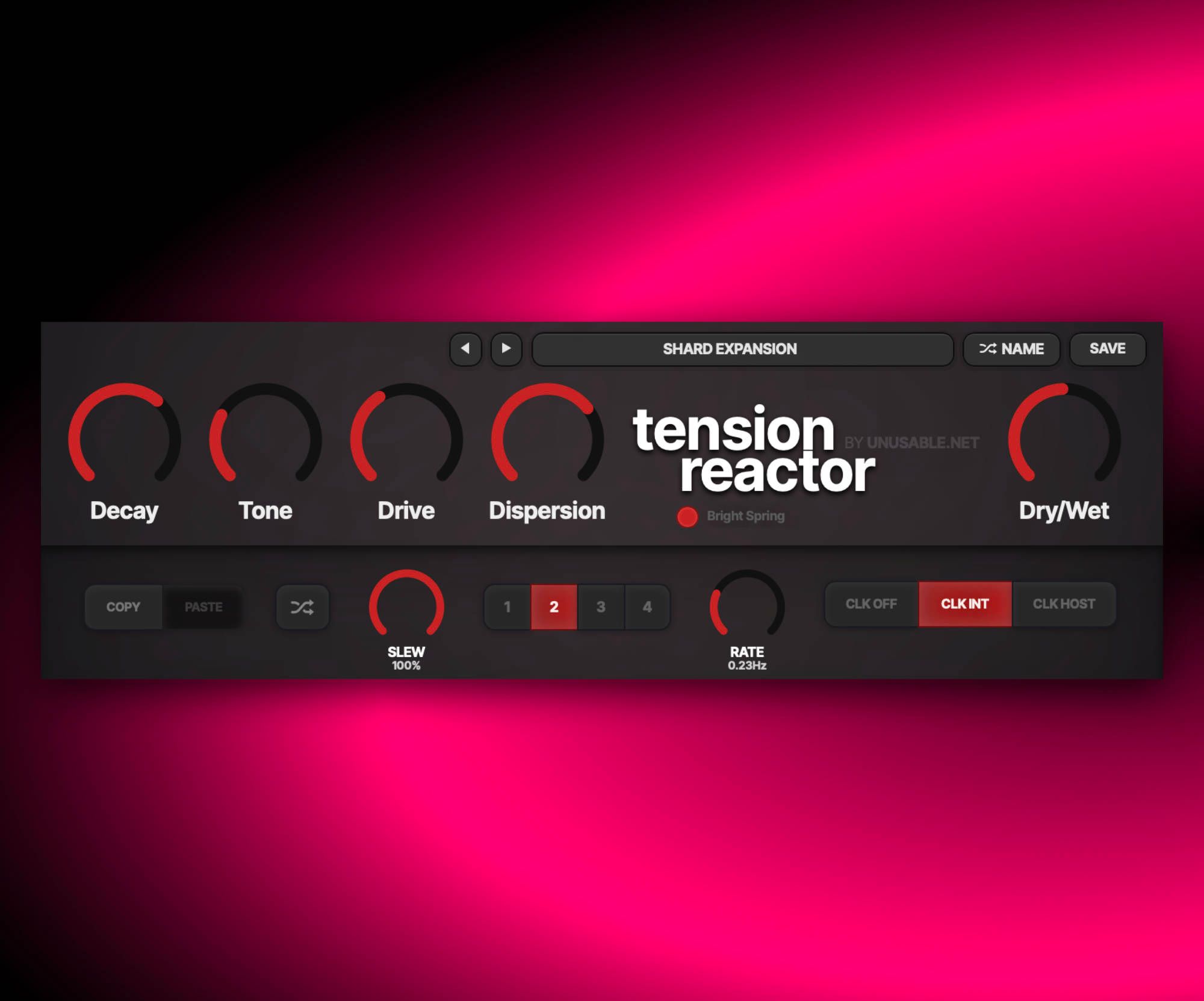
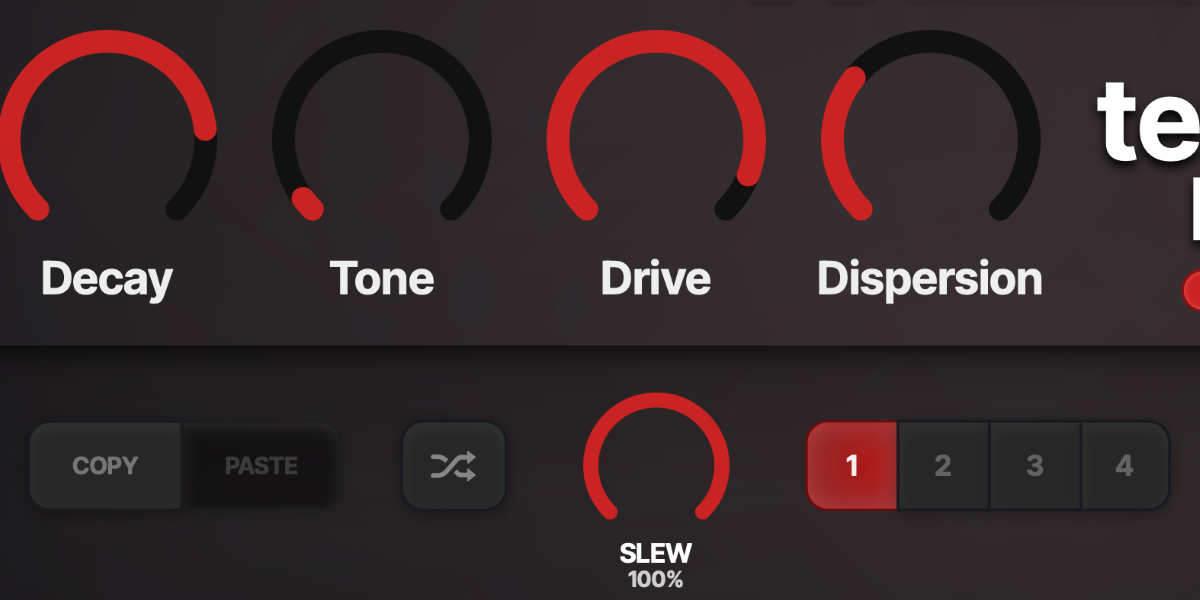
Tension Reactor Decay, Tone, Drive, Dispersion, and Dry Wet controls

The input is band-limited and driven through separate send, transformer, spring-tank, recovery, and output stages. The spring drive is mono, while intentionally mismatched spring paths rebuild the processed signal in stereo.

Decay sets how long energy remains in the spring model. Higher settings increase sustain and make interactions between new transients and the existing tail more obvious.

Tone changes the spectral balance of the tank and recovery path. Lower settings darken the spring response; higher settings retain more upper-frequency detail.

Drive increases excitation and nonlinearity in the spring-driving circuit. It affects how strongly the input hits the tank rather than acting as one generic distortion stage after the reverb.

Dispersion changes the relationship between the spring modes. Moving it can create pitch-like bends, chirps, smearing, and changes in the apparent mechanical tension.

Dry/Wet crossfades between the original input and the complete spring-reverb output.

Fresh transients interact with motion already in the tank, so identical hits can produce slightly different reinforcement, cancellation, and decay behavior.
02

Bright Spring mode

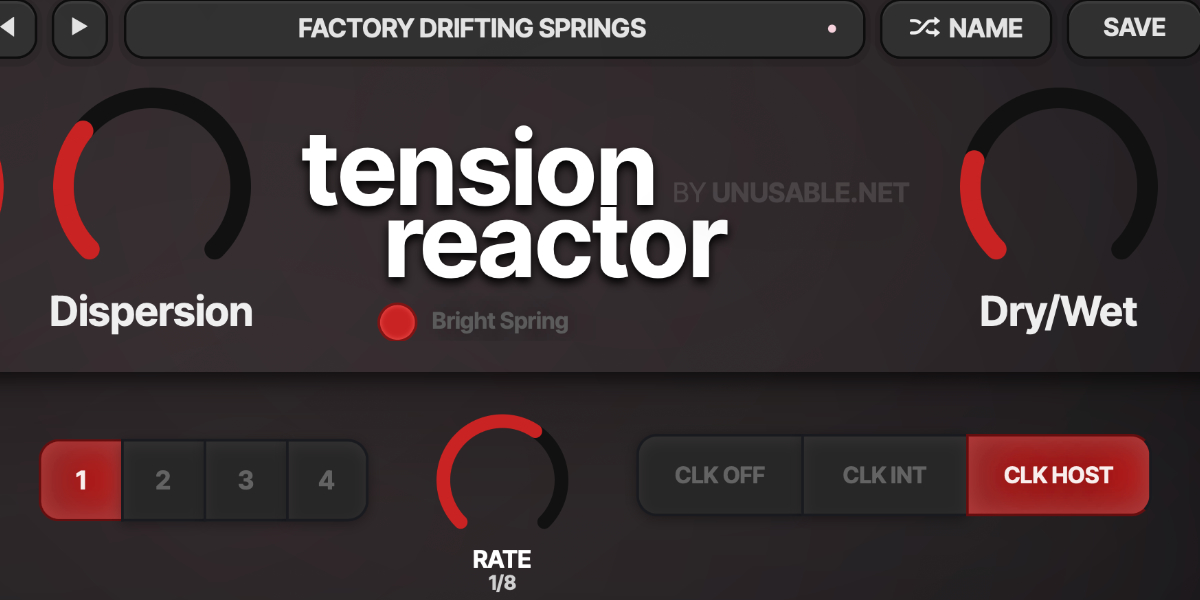
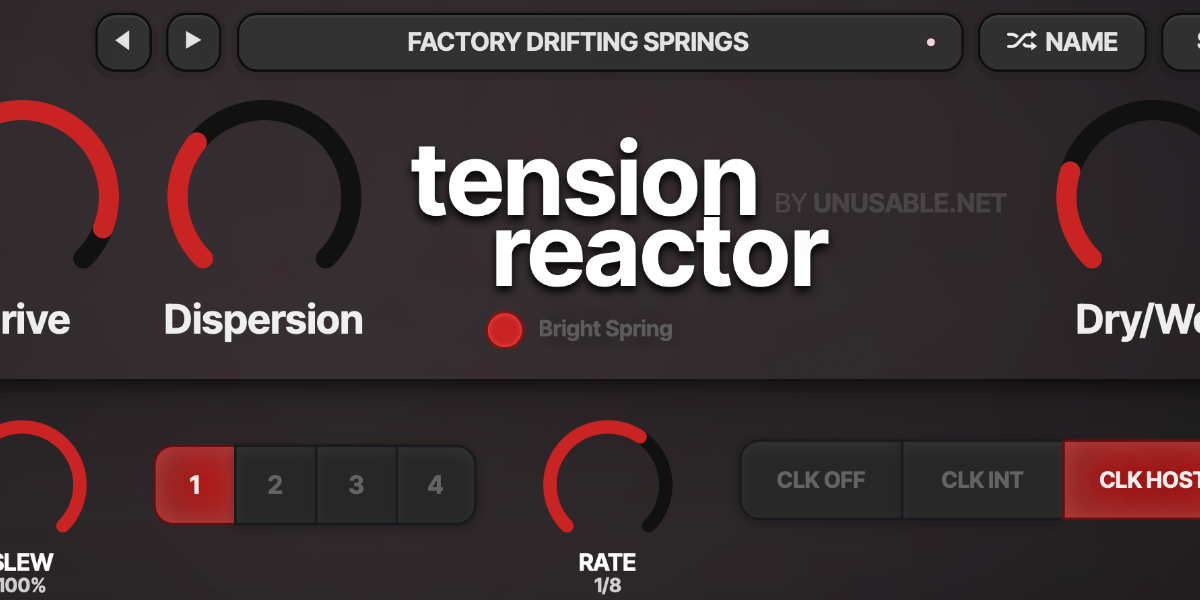
Tension Reactor spring controls and Bright Spring mode area

Bright Spring switches to an alternate spring model with more upper-frequency sustain and a smoother response for guitar, keyboards, synths, and other sustained material.

Bright Spring selects the brighter tank model. Existing presets created before the mode was added load with it switched off.

Tone works across a higher frequency range in Bright Spring mode, allowing the brighter decay to be softened or opened further.

Drive uses a smoother asymmetric drive response in Bright Spring mode to add density without forcing the upper spring register into excessive rattling.

Decay controls the brighter tank tail while internal damping limits metallic ringing and unstable sustain.

Changing spring mode clears the current tail so energy from one model is not carried into the other.

03

Slots and slot editing

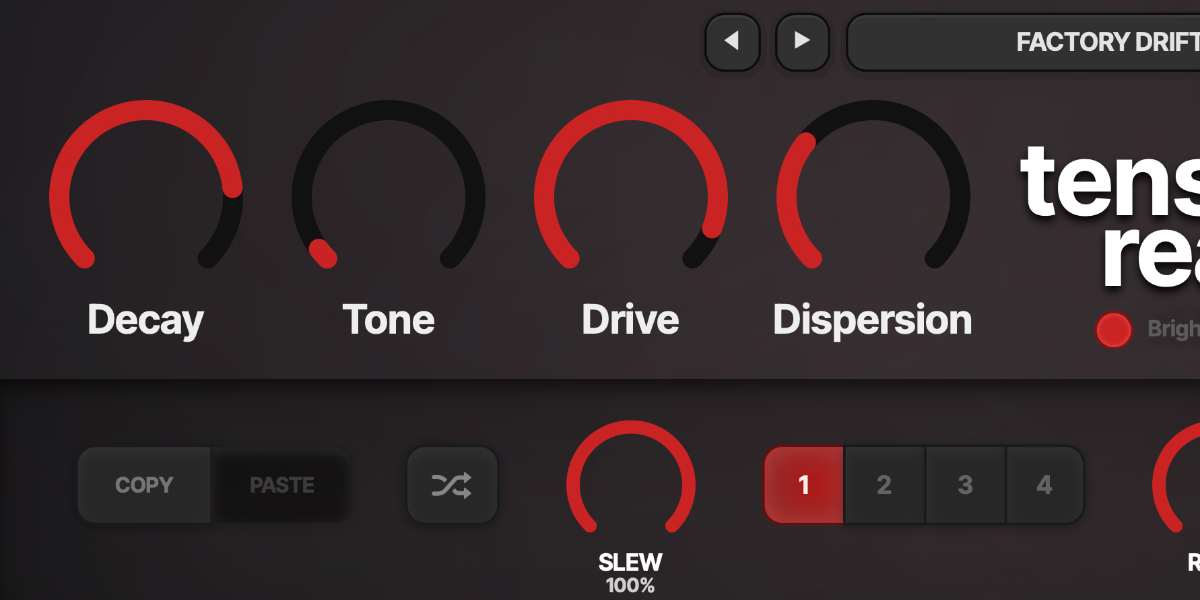
Tension Reactor Copy, Paste, Random, and four slot buttons

Four slots store independent values for Decay, Tone, Drive, Dispersion, and Dry/Wet. Selecting a slot recalls it for editing; the sequencer moves between enabled slot states.

1-4 select a slot and show its stored values.

Copy / Paste copies or pastes the complete five-control state of the selected slot.

Random creates a new randomized state for the selected slot.

Holding a main parameter while sequencing writes only that value into every incoming slot passed during the gesture. The control does not jump at slot changes, and all other parameters continue their own slew.

Shift-click or double-click slot
Enable or disable that slot. At least one slot always remains enabled.
Cmd/Ctrl-click slot
Preview and lock that slot, pause sequencing, and show a white inset outline.
Cmd/Ctrl+C / Cmd/Ctrl+V
Copy or paste the selected slot.
Cmd/Ctrl+Z
Undo the previous edit gesture.
Cmd/Ctrl+Shift+Z
Redo an undone gesture unless a new edit has cleared the redo history.
04

Slot sequencer

Tension Reactor Slew, Rate, slots, and clock controls

The sequencer advances through enabled slots and interpolates the five stored control values independently. Clock source, Rate, and Slew determine when a new slot is selected and how its values are reached.

CLK OFF stops automatic stepping. Slots remain available for manual selection, and Slew still shapes transitions to manually selected or randomized states.

CLK INT runs from the internal clock. Rate is displayed in Hz and uses an exponential response for useful control at slower speeds.

CLK HOST runs from the DAW transport and changes Rate to musical divisions.

Rate sets internal speed or host-clock division, depending on the selected clock source.

Slew sets transition time with the clock off. In clocked modes it becomes a percentage of each step, reaching the incoming slot at the next boundary when set to 100%.

A short minimum transition is retained at the lowest setting to reduce clicks when stored values change abruptly.

Slot selection, Slew, internal Rate, and host Sync Division are exposed to host automation.

05

Presets and control shortcuts

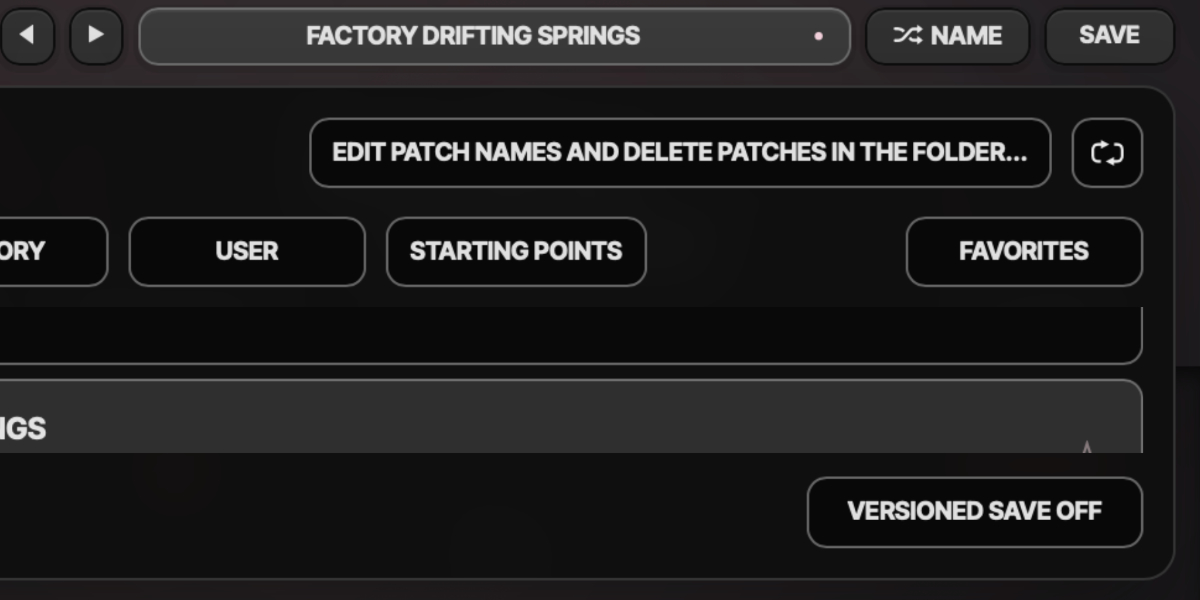
Tension Reactor preset navigation, name display, and save controls

The preset name opens the browser. Presets store the complete plug-in state, including all four slots, sequencer timing, clock mode, and Bright Spring setting.

Preset arrows step through available presets and wrap between the first and last entries.

Preset name opens the preset browser.

Name generates a preset name.

Save writes the complete state. Saving without first generating a name creates one automatically.

Factory / User / Starting Points / Favorites filter the preset browser.

Versioned Save writes a numbered copy when the current preset has changed.

Folder opens the preset directory for external renaming or deletion.

Refresh reloads externally renamed or deleted preset files.

Double-click control
Reset it to the initial value.
Cmd/Ctrl-click or Option/Alt-click control
Reset it to the initial value.
Wheel over control
Adjust without dragging.
Option/Alt-wheel
Fine adjustment.
Shift-wheel
Coarse adjustment.

Recommended for

  • Character effect on drum sends
  • With bright springs, it can add dub-style space to synths and pads
  • Give transients springs driven artifacts

Fit and focus

Great fit for:

  • Percussive spring reverb behavior
  • mechanical-feeling decay and chirp
  • character reverbs with hardware-like instability

Questions people ask

What is Tension Reactor?

It is a physically modelled spring reverb plugin designed to capture reactive, mechanical spring behavior and the lofi charm of classic units.

How is it different from a typical spring reverb plugin?

It emphasizes stateful interaction between incoming signal and ongoing spring motion, so decay behavior is more spring like than reverby.

Who is it for?

Musicians and producers who want spring identity and weird textures.

What does it do to sound?

It adds metallic depth, dynamic chirp, and can become a featured texture.

Compatibility

macOS 12+, Windows 10/11
macOS: AU/VST3, Windows: VST3

These plugins use detailed real-time processing and are happiest on reasonably recent CPUs, especially when several instances are running at once.

Slot sequencer

A shared walkthrough of the Unusable slot sequencer system, including how stored states, stepping, and slew can turn a static patch into motion.

Preset system

A shared walkthrough of the Unusable preset system, with practical tips for saving, naming, organizing, and moving between ideas.

Bundle option

Also available in bundle form

If this plugin fits your workflow, there is a good chance one of the bundles will fit even better and reduce total spend.

Emulated Effects Pack

Six circuit-inspired effects for fuzz, modulation, filtering, spring space, and controlled digital decay.

€79.00€174.00incl. 25% VAT

Includes 6 products.

Full Suite v2

All unusable tools in one package, built to surprise, inspire, and keep the creative process moving.

€179.00€496.00incl. 25% VAT

Includes 16 products.